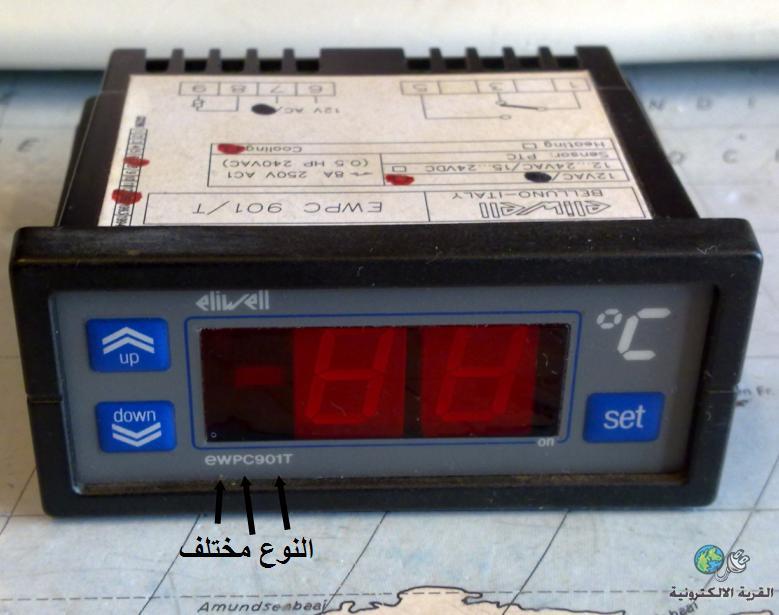
الجهاز موجود على الانترنت والملف لهذا الموديل بالرابط اعلاه
الذي يهمنا هو البرمجة كما جاء في السؤال
حاول اتباع الفقرات التالية
PROGRAMMING MENU
(See Programming Menu)
To enter the “Programming” menu, press
the “set” key for more than 5 seconds.
If specified, the access PASSWORD will be
requested, (parameter “PA1”), and (if the
password is correct) the label of the first
folder will follow.
To scroll through the other folders, use
the “UP” and “DOWN” keys; the folders
contain the level 1 parameters.
If the password is wrong, the display will
show the PA1 label again.
To enter the folder, press “set”. The label
of the first visible parameter appears. To
scroll through the other parameters, use
the “UP” and “DOWN” keys; to change the
parameter, press and release “set”, then
set the desired value using the “UP” and
“DOWN” keys, and confirm with the “set”
key to move to the next parameter.
PLEASE NOTE: It is suggested to switch-off
and switch-on again the instrument every time
it is changed the configuration of the
parameters: this prevents malfunctioning
on regulation and delay time occurring.